Guides
How to Build an App: A Step-by-Step Guide from Idea to App Store
4 min read Element16 Media
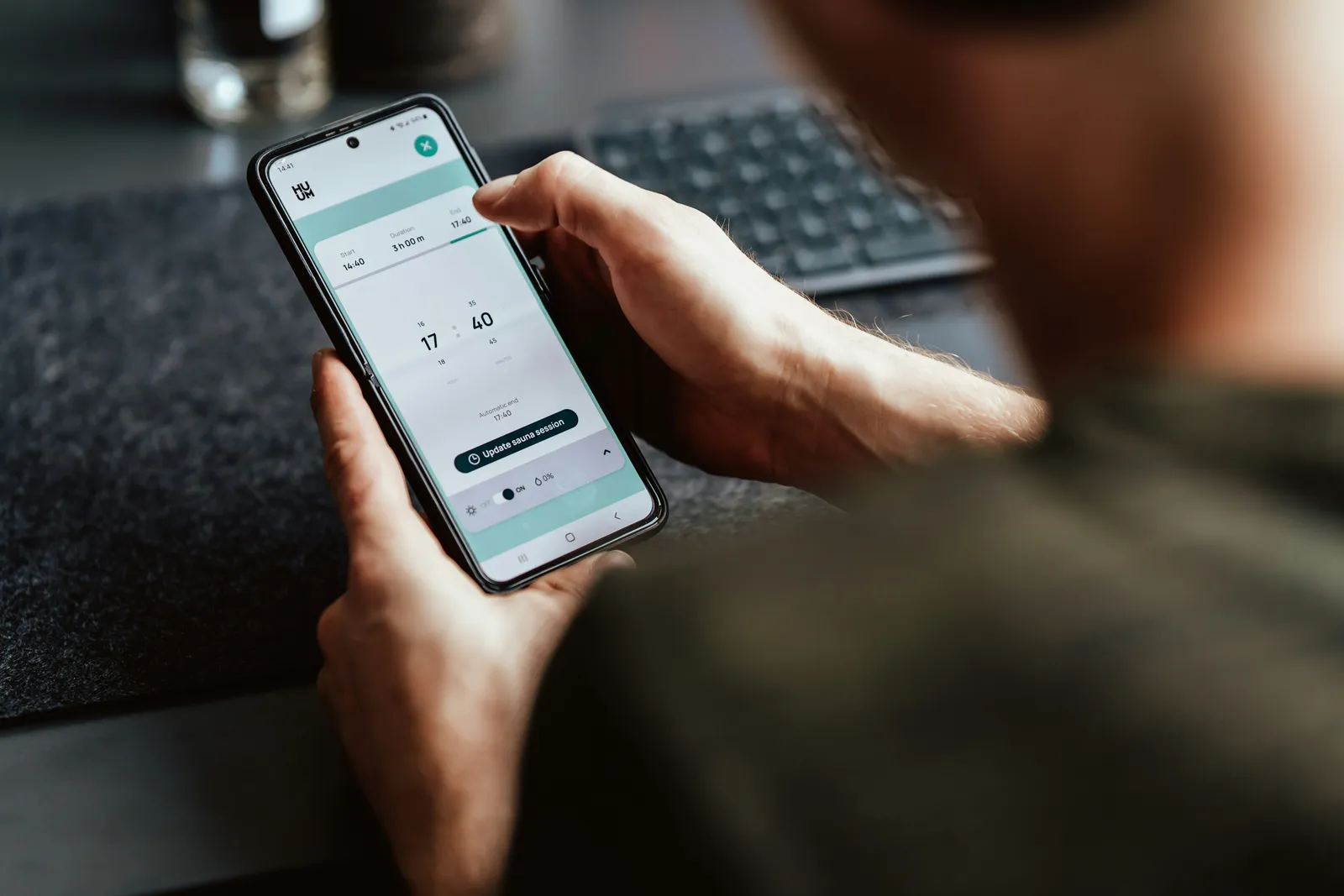
Knowing how to build an app comes down to eight stages: validate the idea, define the features, map the user journey, design the interface, choose the technology, develop, test, then launch and improve. Whether you write the code yourself, use a no-code tool or hire an agency, the process is broadly the same.
We’ve taken apps from first sketch to the App Store and Google Play for football clubs, founders and start-ups. This guide on how to build an app shares what we’ve learned along the way.
Step 1: Validate your idea
Before spending a penny, check that people want it. Who is the app for? What problem does it solve? Talk to ten potential users, look at competing apps and read their reviews. The best advice on how to build an app is to prove demand first.
Step 2: Define your core features
List everything you’d like the app to do, then cut it down to the essentials for version one. This is your minimum viable product (MVP). If you’re working out how to build an app on a tight budget, the MVP is your best friend: it launches faster, costs less and teaches you what users actually value.
Step 3: Map the user journey
Sketch each screen and how people move between them, from opening the app to completing the main task. Paper sketches or simple wireframes are fine. This stage reveals gaps long before they become expensive to fix.
Step 4: Design the interface
Good design makes an app feel effortless. Use your brand colours and fonts, keep buttons large enough for thumbs, and follow Apple’s and Google’s design guidelines so the app feels at home on each phone. Anyone serious about how to build an app should treat design as more than decoration; it decides whether people come back.
Step 5: Choose your technology
You have three main routes:
- No-code builders: quick and cheap for simple prototypes, but limited as you grow.
- Cross-platform frameworks: tools such as Flutter and React Native let one codebase run on iOS and Android. This is the route we usually recommend.
- Native development: separate apps written in Swift and Kotlin, best when you need maximum performance.
You’ll also need a back end: a server and database to store users, content and transactions.
Step 6: Develop in sprints
Build in short cycles of one or two weeks, reviewing working features at the end of each. Regular check-ins mean you see progress, catch misunderstandings early and can change priorities without derailing the project. Many guides on how to build an app skip this, but it is where projects succeed or stall.
Step 7: Test thoroughly
Test on real devices, older phones included. Check every journey, slow connections, payments and notifications. Then run a beta with a small group of real users through TestFlight on iOS and internal testing on Google Play.
Step 8: Launch, measure and improve
Submit the app to the App Store and Google Play with a clear description, good screenshots and the keywords people search for. Apple reviews every app, so allow time for feedback. After launch, track downloads, active users and reviews, then release updates regularly. Learning how to build an app never really stops at launch.
How much does it cost to build an app?
A simple app built by a UK agency typically costs £10,000 to £30,000, with mid-range apps at £30,000 to £80,000. Maintenance usually adds 15–20% of the build cost each year. For example, a £30,000 app might cost around £375–£500 a month (£4,500–£6,000 a year) to maintain. Our app development cost UK guide goes into more detail.
Common mistakes to avoid
- Building too many features before launch.
- Skipping user testing.
- Forgetting ongoing costs such as hosting and updates.
- Ignoring app store optimisation, so nobody finds the app.
Anyone learning how to build an app will make some mistakes; avoiding these four will save months.
Frequently asked questions
How to build an app with no coding experience?
Use a no-code builder for a simple prototype, or partner with an app development agency that handles design, development and publishing for you.
How long does it take to make an app?
A simple app takes around 8–12 weeks. Mid-range and complex apps usually take four to nine months.
Do I need both iOS and Android?
Usually, yes. UK smartphone users are split fairly evenly between iPhone and Android, so cross-platform development is the most efficient way to reach both.
Need help working out how to build an app?
Element16 Media designs and builds bespoke iOS and Android apps for businesses across the UK. Book a free discovery call and we’ll show you how to build an app that fits your goals and your budget.